
Share my map
To share your trips, go to: https://www.traveledmap.com/share
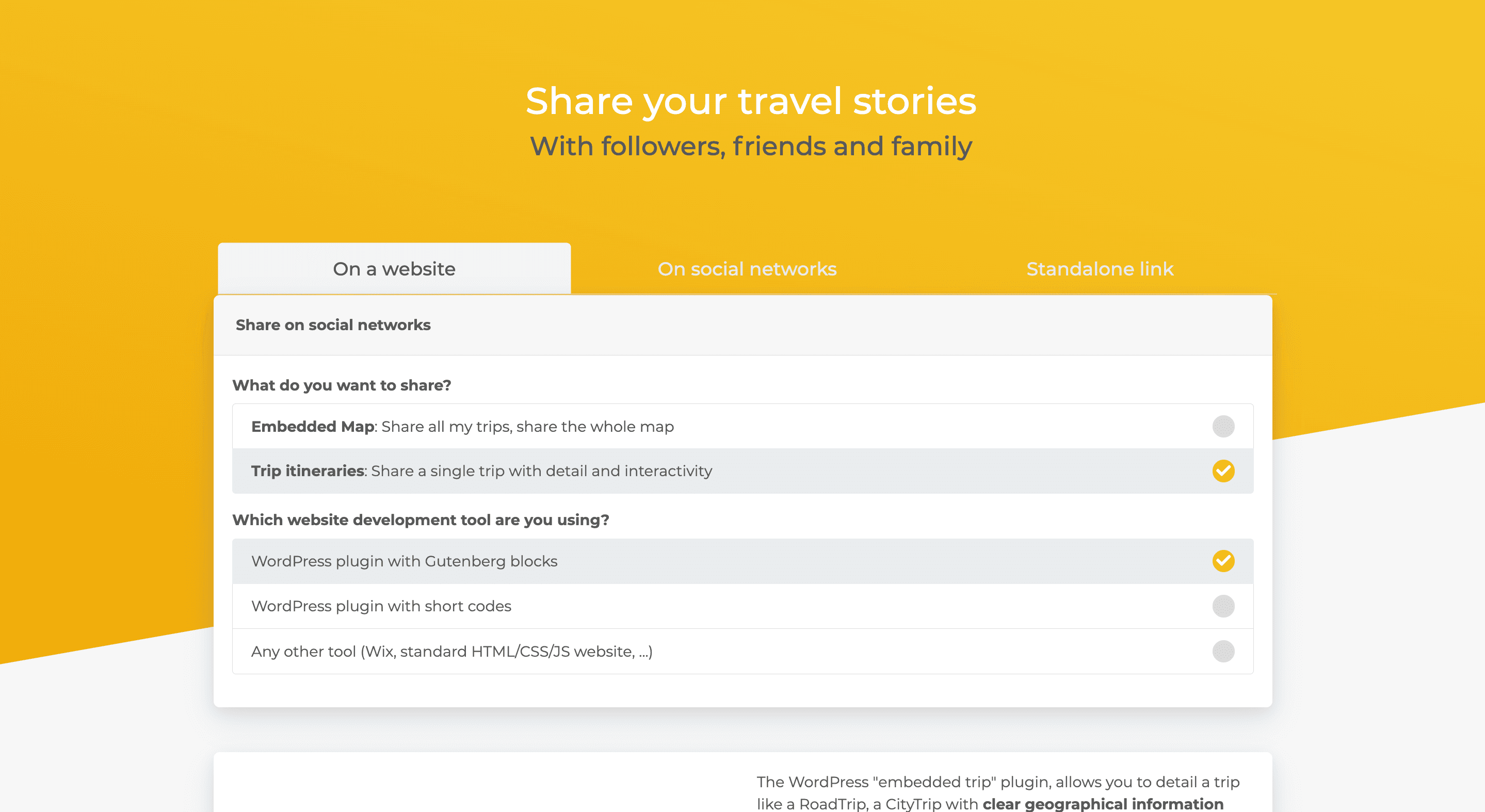
On a website
Access the "On a website" tab to embed your map on a site.
What do you want to share?
- To share all your trips, check the "Embedded Map" box.
- For a specific trip, select "Trip itineraries".
Which development tool do you use?
- For WordPress with Gutenberg blocks: check "WordPress plugin with Gutenberg blocks".
- For WordPress with a shortcode: check "WordPress plugin with shortcode".
- For other platforms like WIX or a classic HTML/CSS/JS site: check "Other tools (WIX, standard HTML/CSS/JS site, ...)".
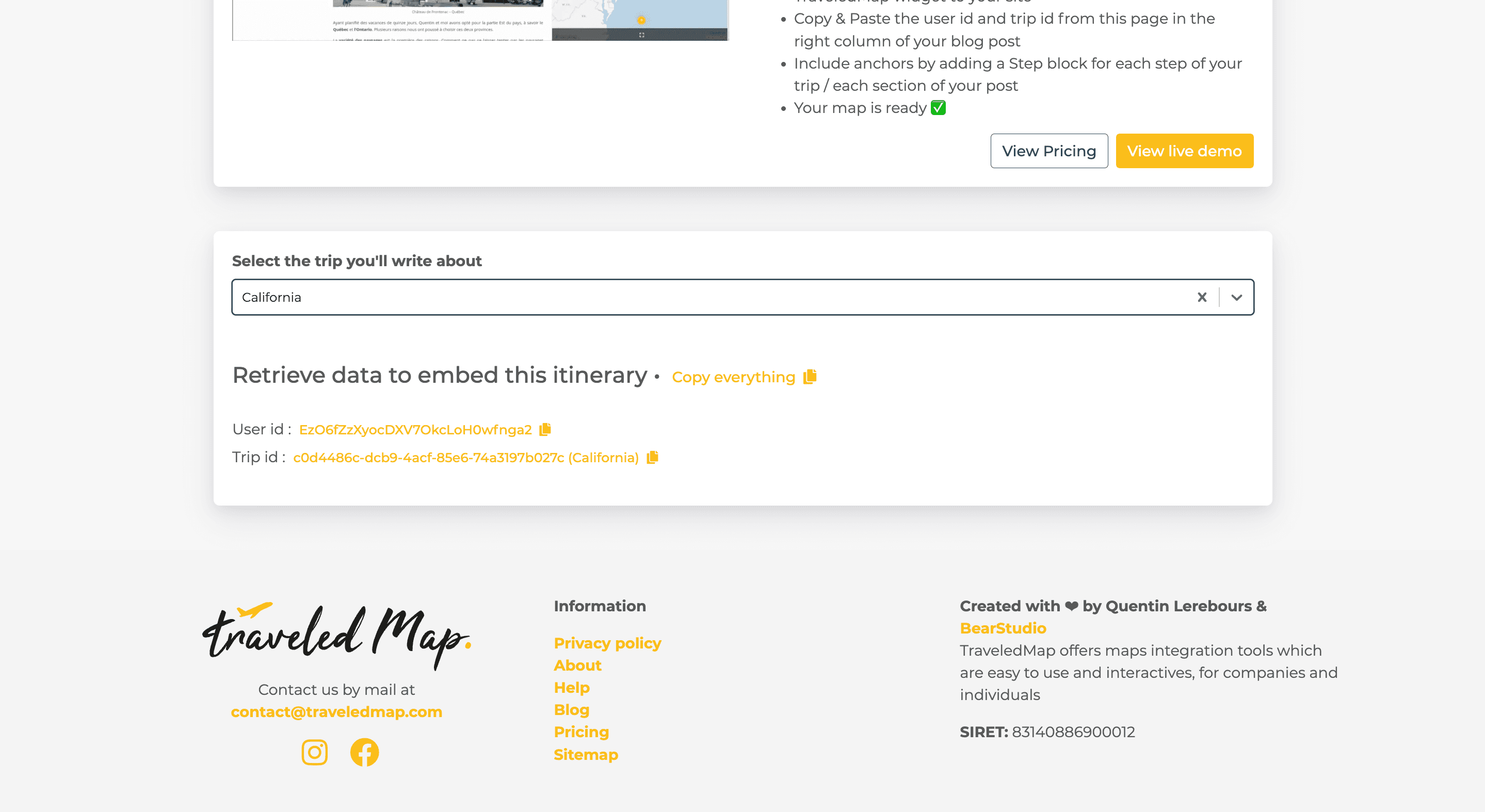
Retrieve your trip(s)
Once the options are selected:
- If you chose a specific trip, select it at the bottom of the page via the dropdown menu "Select the trip you want to present".
- You can then copy the data to embed it on your site.
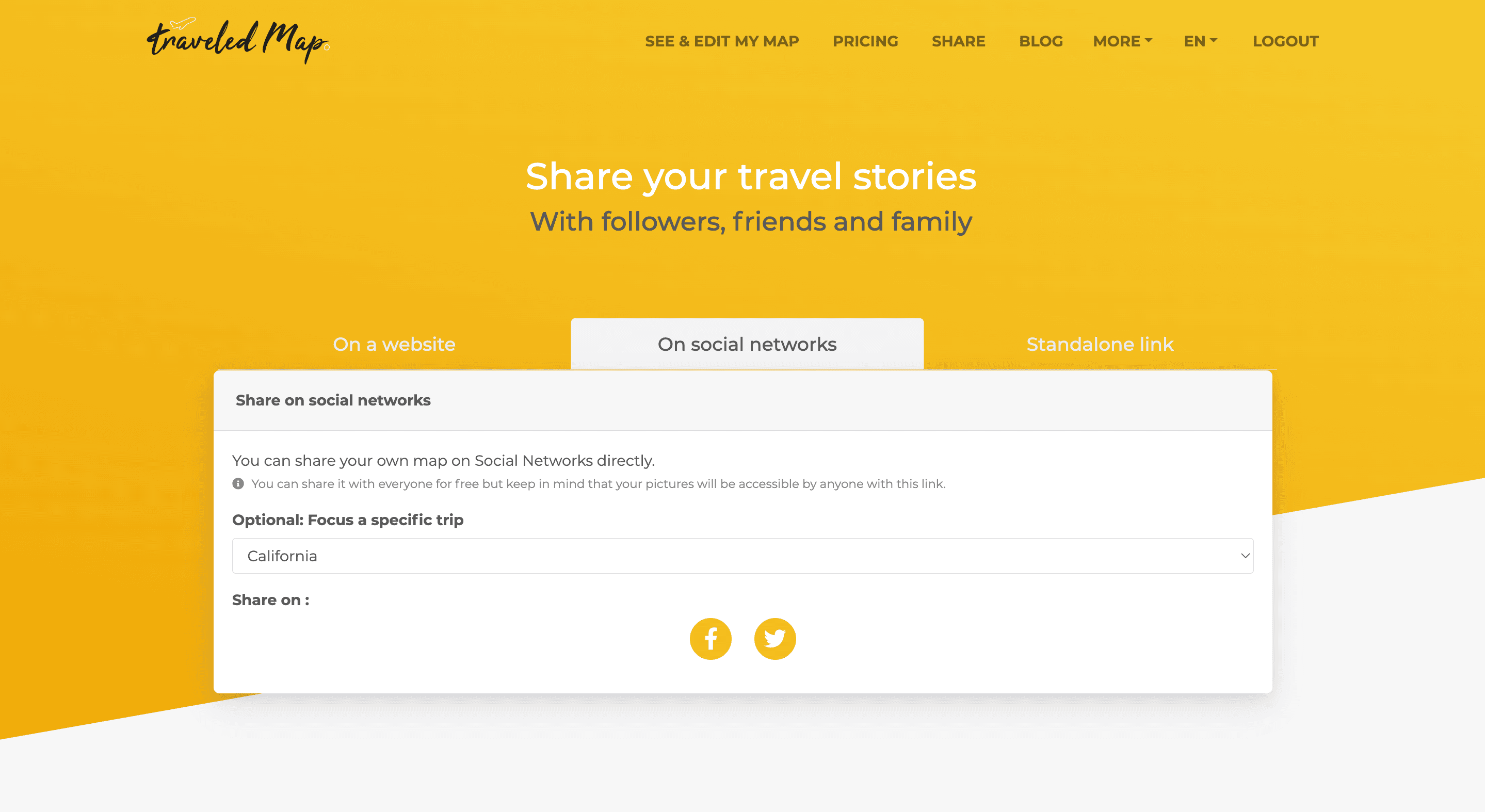
On your social networks
Go to the "On your social networks" tab to share your map.
- To post your entire map (with all your trips), simply click on the social network of your choice.
- For a specific trip, select it first, then click on the network where you want to share it.
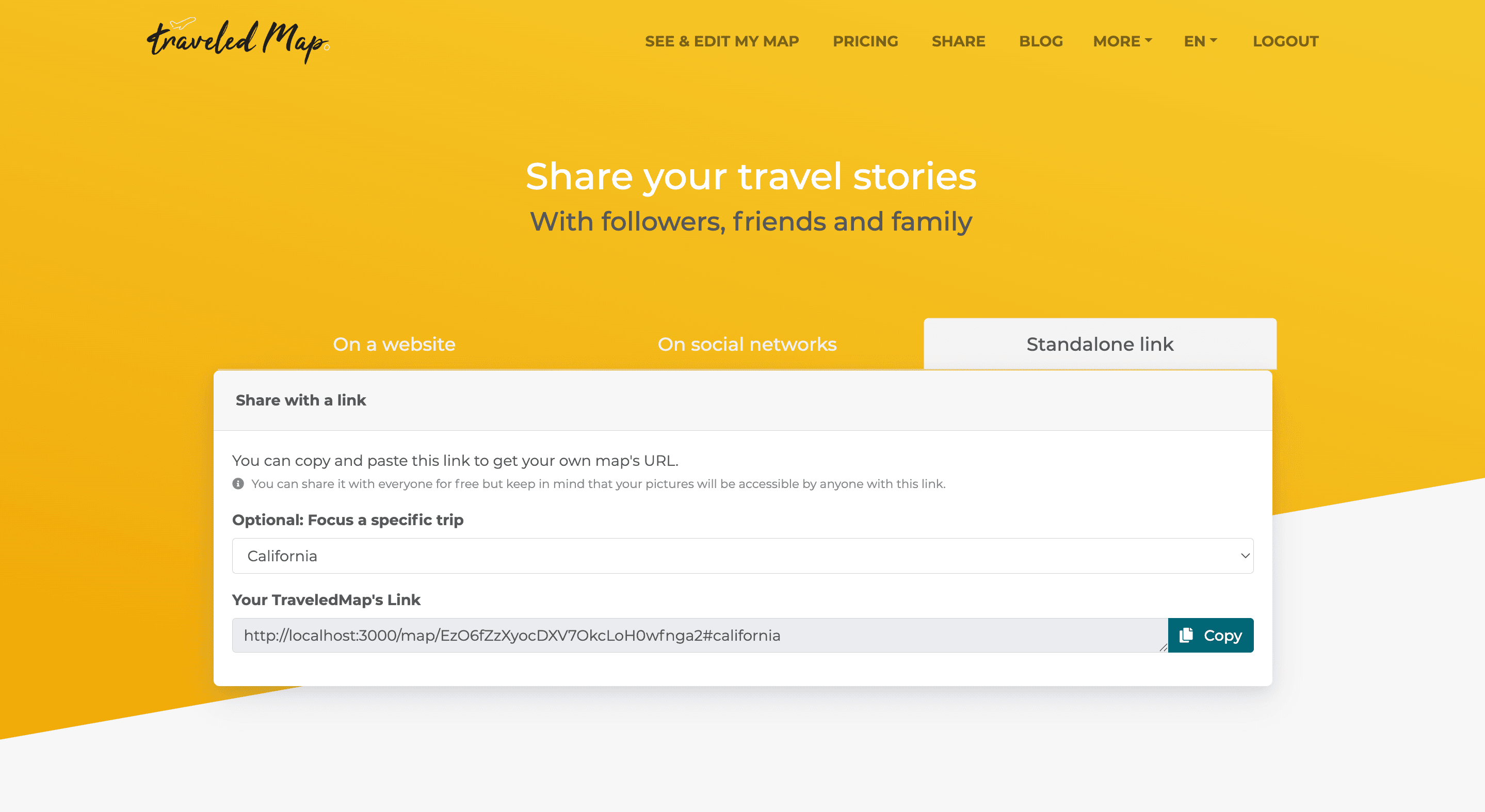
A simple link
Go to the "Unique link" tab to share via a direct link.
- To share your entire map, click on the "Copy" button.
- For a specific trip, select it then click "Copy" to copy the link to share.
If you encounter any issues, feel free to contact our team by email at contact@traveledmap.com