
New map styles: customize the design of your TraveledMap maps
New map styles: customize the design of your TraveledMap maps
A travel map is not only a tool for locating stops. On a blog, a travel agency website, an itinerary page or an Embedded Map, it is part of the visual experience.
Until now, TraveledMap mainly offered one map style, designed to be functional, readable and versatile. But it was not necessarily design first. For a map displayed on a website, the visual impact often matters as much as the amount of information shown.
That is why we added new map styles: more modern, more visual, and designed to fit different brand identities.
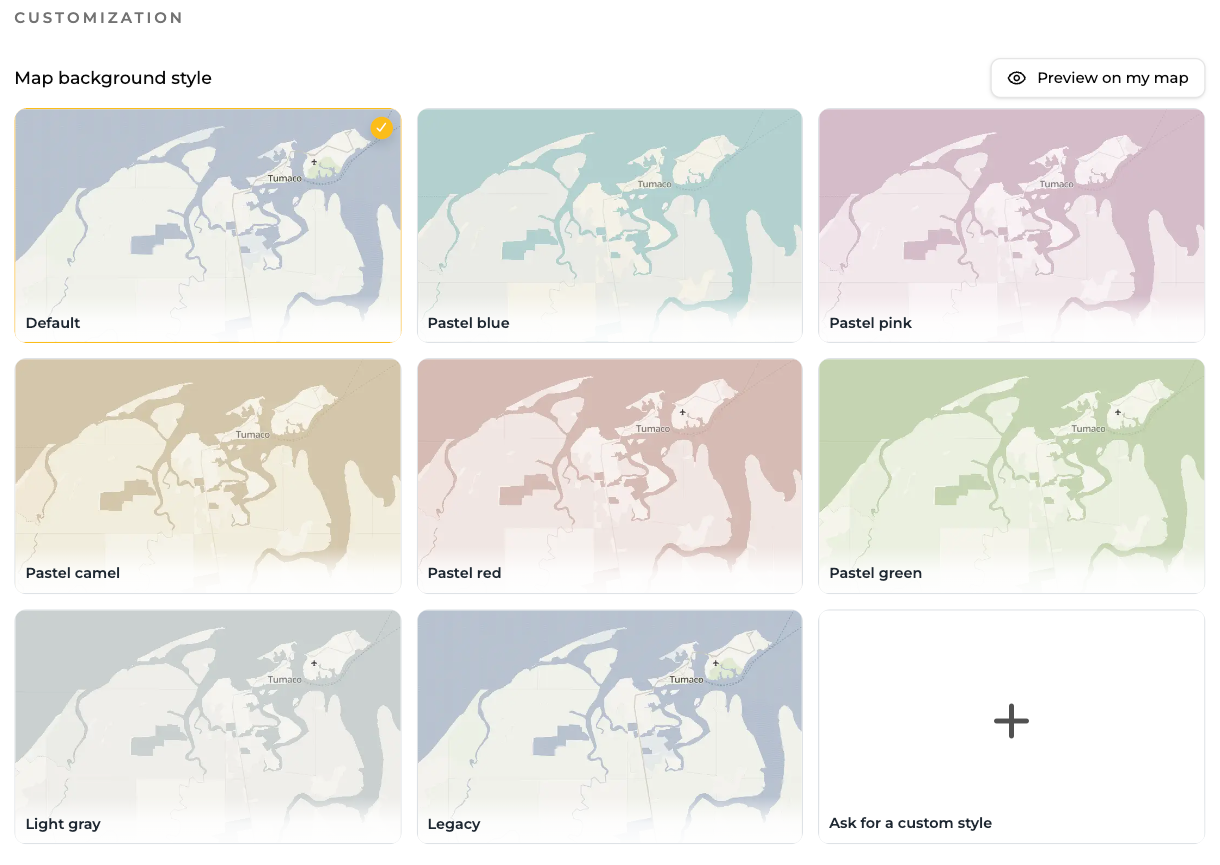
TraveledMap now offers several premium background map styles, with a more design-oriented approach and options to choose which families of map text are displayed.
It is included in Embedded Map Plus and Trip Itinerary Pro subscriptions. It can also be unlocked from the profile as a one-time payment for €14.90.
Several map moods
You can now choose between several moods: pastel blue, pastel pink, pastel green, camel, light gray, plus a cleaner new default style. The legacy style remains available for users who want to keep the historical look of their map.
These styles were designed to better fit modern websites, itinerary presentation pages and interactive maps used in a professional context.

Choose the right level of detail with map text
The challenge with a background map is finding the right balance. A map with too many details can quickly feel crowded. A map that is too minimal can lose part of its usefulness.
TraveledMap covers many use cases: a personal travel map, an Embedded Map to display a travel agency’s offers, a travel blogger’s articles, an architect’s projects, a company’s branches, or talks given by a speaker. With Trip Itinerary, the map can also present a day-by-day tour, a travel offer, a road trip or a custom itinerary.
Depending on the context, the need for information is not the same. A map inside a blog article may need precise geographic references. A map on a landing page may benefit from a more minimal look. A Trip Itinerary needs to stay readable while scrolling, while an Embedded Map may need to blend more closely with a website’s visual identity.
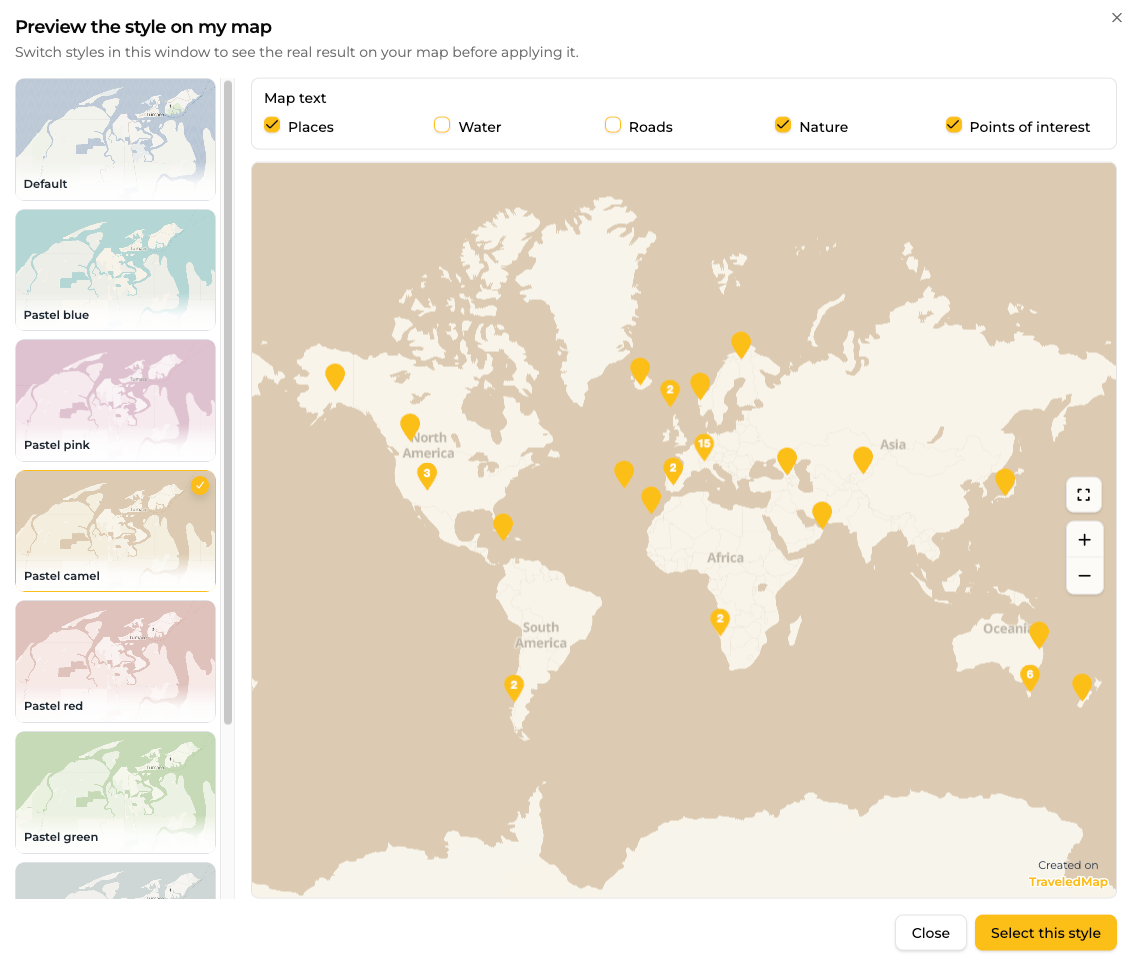
That is also why we added label options. You can choose which families of text remain visible on the map: places, roads, natural areas, points of interest or water-related labels.
For Embedded Map and Trip Itinerary
These new styles are especially useful for Embedded Map and Trip Itinerary.
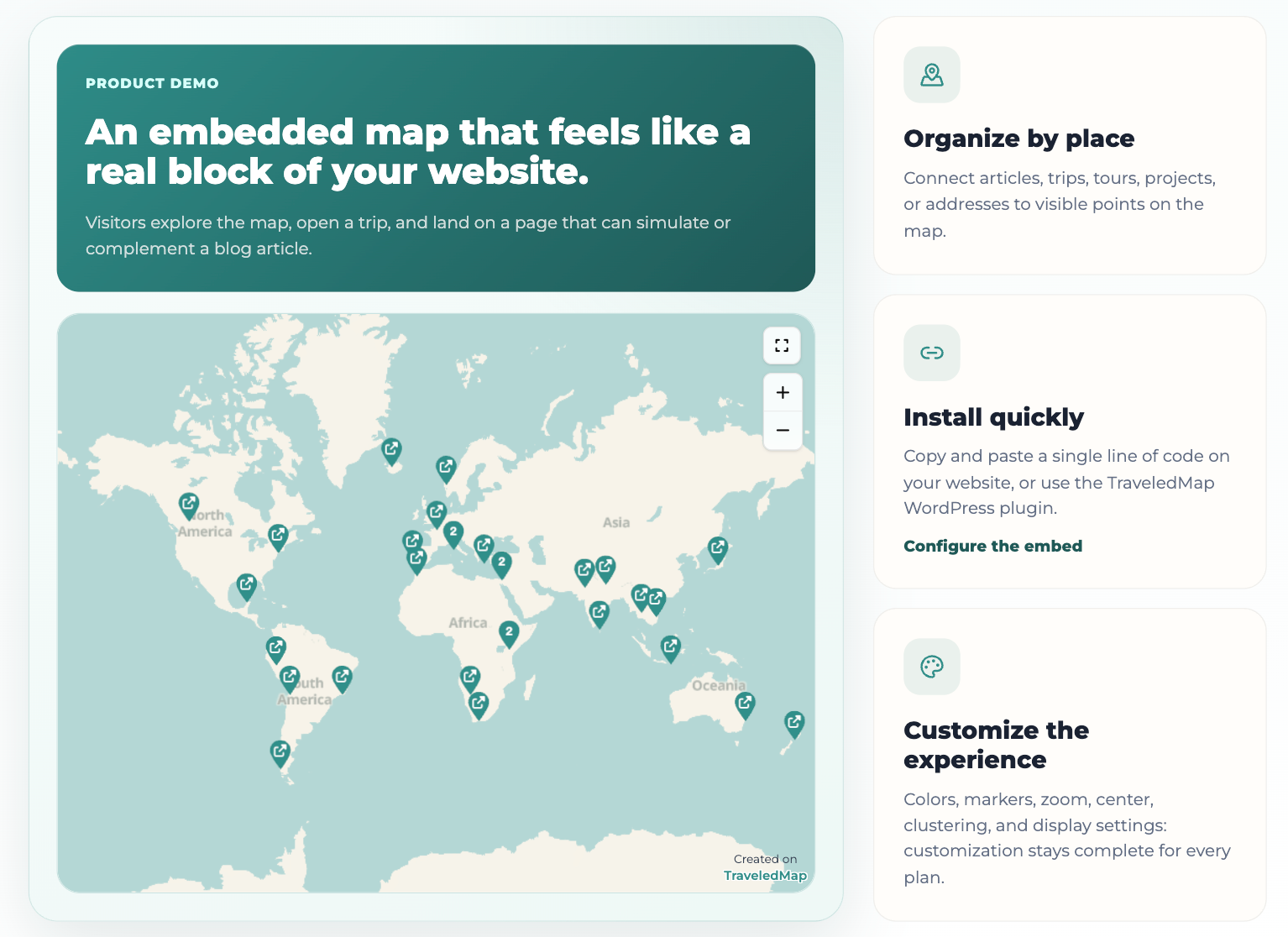
With Embedded Map, the map often becomes a central element of a blog or professional website. It needs to integrate naturally with the existing design.
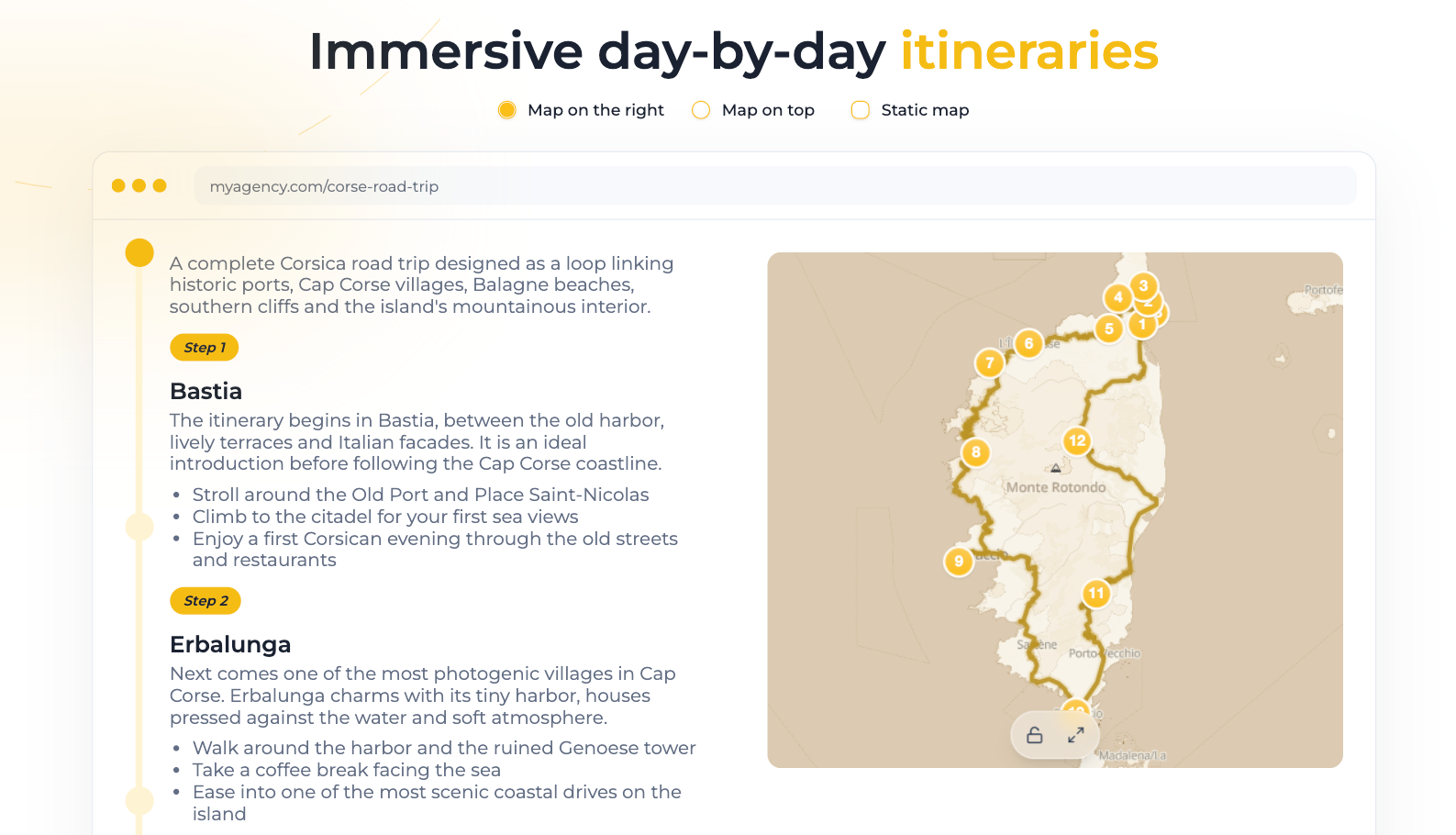
With Trip Itinerary, the map follows the story step by step. The background map directly influences how the journey is perceived: more discreet for a professional page, more colorful for editorial content, more aligned with a travel agency or tourism brand’s visual identity.
Custom map styles
The included styles cover several common visual directions, but some projects require a more specific look.
If you have precise brand guidelines, a strong visual identity or a particular need, we can also create a custom map style.
This can include colors adapted to your identity, a different hierarchy of displayed elements, a more minimal or more detailed rendering, or a specific selection of the information visible on the map.
The idea is simple: make your map truly match your website, your brand or your project.
How to access the new styles
The new map styles are available from your TraveledMap profile, in the customization options.
They are included in Embedded Map Plus and Trip Itinerary Pro subscriptions.
If you do not have one of these subscriptions, they are also part of the Premium Map Styles Pack, available as a one-time payment for €14.90. Once unlocked, the pack gives you access to the current premium styles, label management options, and future styles added to the pack.
From your profile, you can preview the styles directly on your map before applying them.